


Confirm Required Quantity
Specify the actual prototype, repair or production quantity of BMS to receive a relevant availability and pricing review.

Your Trusted Components Partner

Product images are for reference. Verify the exact part and package before ordering.
PCB FUSEHOLDER, RADIAL LEAD FUSE
Reference information for part identification, technical review and component sourcing.
BMS is listed as a Fuseholders component from OptiFuse.
PCB FUSEHOLDER, RADIAL LEAD FUSE
Before selecting or replacing this part, confirm package details and relevant electrical requirements with the manufacturer's datasheet. Stock and commercial terms should be checked for your requested quantity.
Compare available attributes with the manufacturer datasheet before purchasing or substitution.
Confirm quantity, packaging, delivery and alternatives before ordering.
Specify the actual prototype, repair or production quantity of BMS to receive a relevant availability and pricing review.
State your preferred date code and packaging format, including reel, tray, tube or other handling conditions when applicable.
Include your target delivery window so source availability, dispatch arrangements and lead time can be checked against your schedule.
If BMS is constrained, ask for alternative sourcing options. Any proposed substitute must be validated against your design requirements.
Answers to common questions about quotation, stock references, documentation and component sourcing.
Enter your required quantity and contact details in the RFQ form. Add the destination, delivery timing, date-code preference or packaging condition when those details matter to your purchase.
Use it as a sourcing reference rather than a reservation. Component inventory can change quickly, so quantity, source and lead time are checked again when your RFQ is reviewed.
Yes. Add those requirements to your inquiry. Available package information, date-code details and technical documents can be reviewed with the supply source before an order is finalized.
Request a wider sourcing check or possible replacement options. Any alternate part should be validated by your engineering team for electrical, mechanical and qualification requirements.
Yes. Enter the quantity you actually need. Minimum order rules and available break quantities depend on the supply source and will be confirmed with the quotation.
Yes. Submit this part together with the rest of your BOM so multiple component lines can be reviewed in one sourcing request, including shortage and EOL requirements.
They are finalized after your requested quantity and sourcing requirements are checked against an available supply source. Use the formal quotation as the final commercial reference.
Compare additional components from the same product category and add useful candidates directly to your RFQ list.



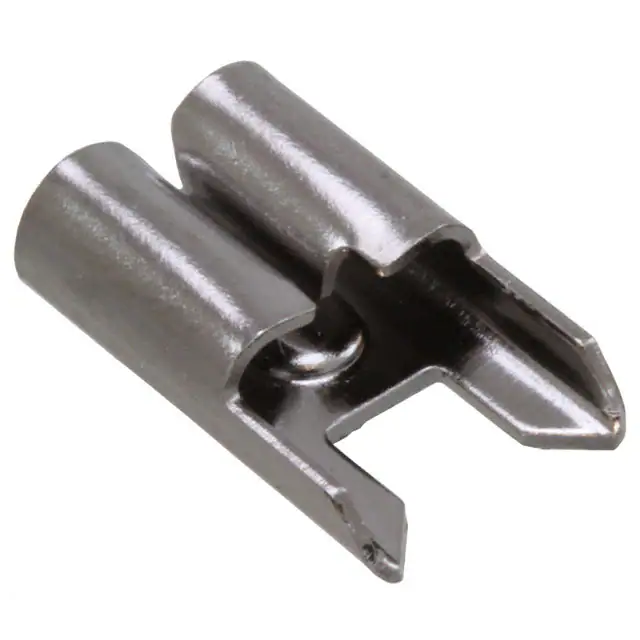

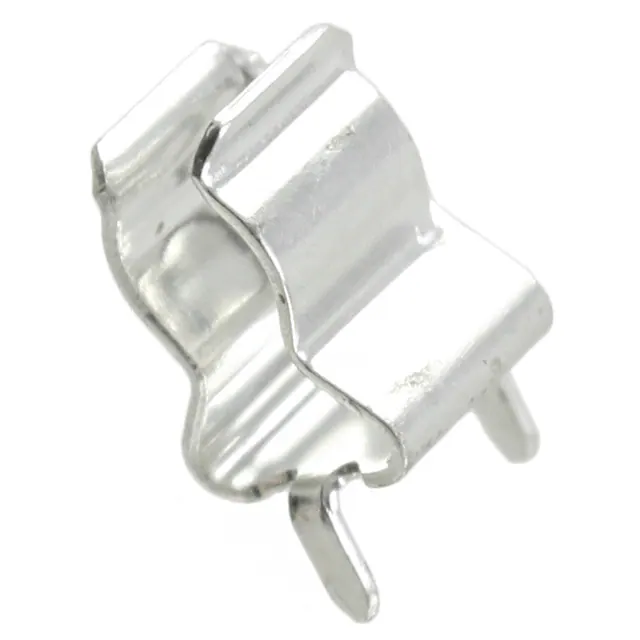


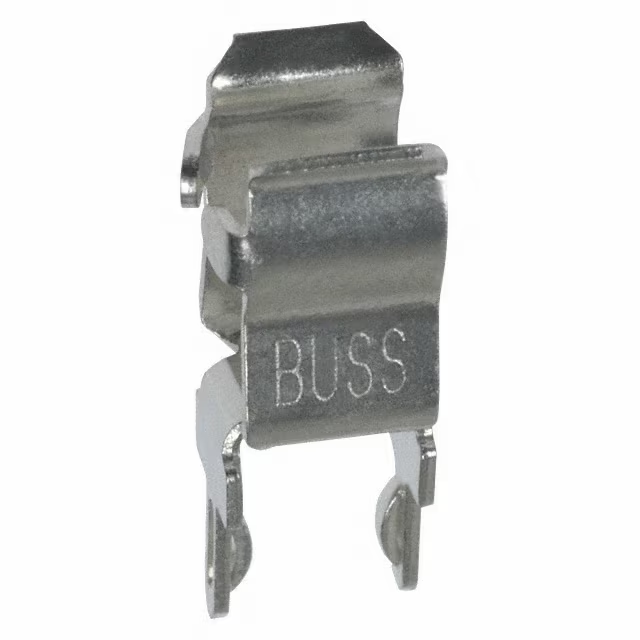
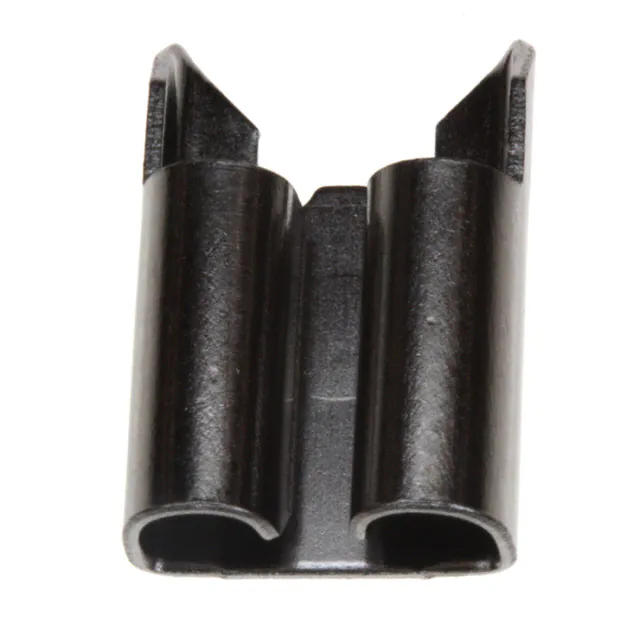


Use the following checks when reviewing BMS from OptiFuse for a new design, maintenance requirement or purchasing BOM.
Use the datasheet to confirm operating limits, functional characteristics and package information before approving the part for your design.
View BMS DatasheetMatch the full manufacturer part number, package / case, pin configuration and applicable qualification requirements; similar names do not establish compatibility.
Review Technical AttributesCompare products in the Fuseholders category. For alternate sourcing or replacements, verify mechanical and electrical specifications before making changes.
Browse Related CategoryInclude required quantity, manufacturer preference, target delivery date, packaging needs and approved substitutions so the sourcing team can review your request.
Submit Your BOM or RFQPlease check your information and try again.